Assistant
Beta
The assistant is in beta. It may occasionally misunderstand a request, so keep an eye on important actions.
The assistant is a chat companion that answers questions about your layout and operates it for you in plain language. Ask it what you have, where a train is, or to set something — and it does the work through the same controls you use by hand.
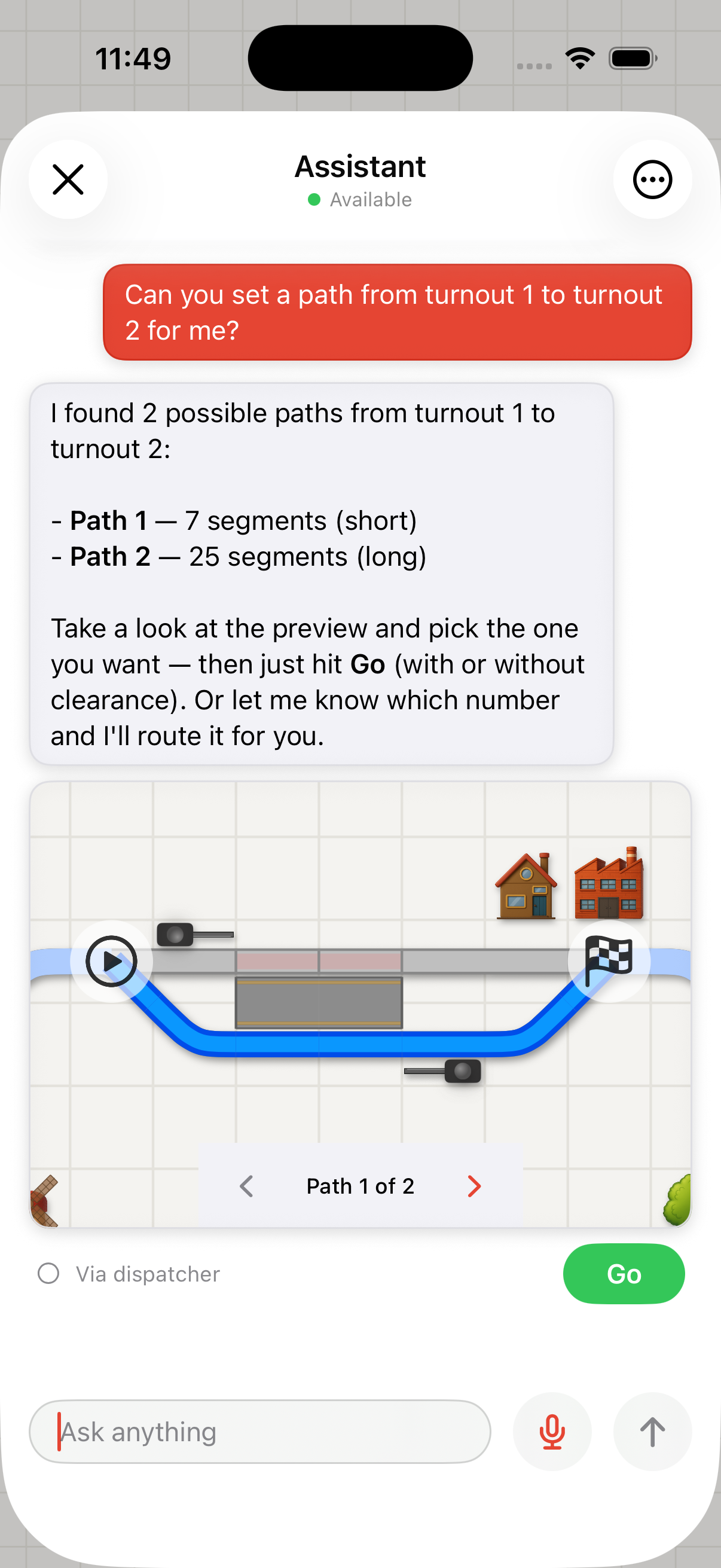
Asking the assistant to set a path: it previews the options for you to pick and route
It can control your profile, but it cannot edit it. Driving locomotives, switching accessories, activating routes, and starting or stopping automation are all fair game; creating or changing vehicles, scripts, routes, and other profile content is not. If you ask it to make that kind of change, it explains that and points you to where you can do it yourself.
You speak to it in your own language.
Opening the assistant
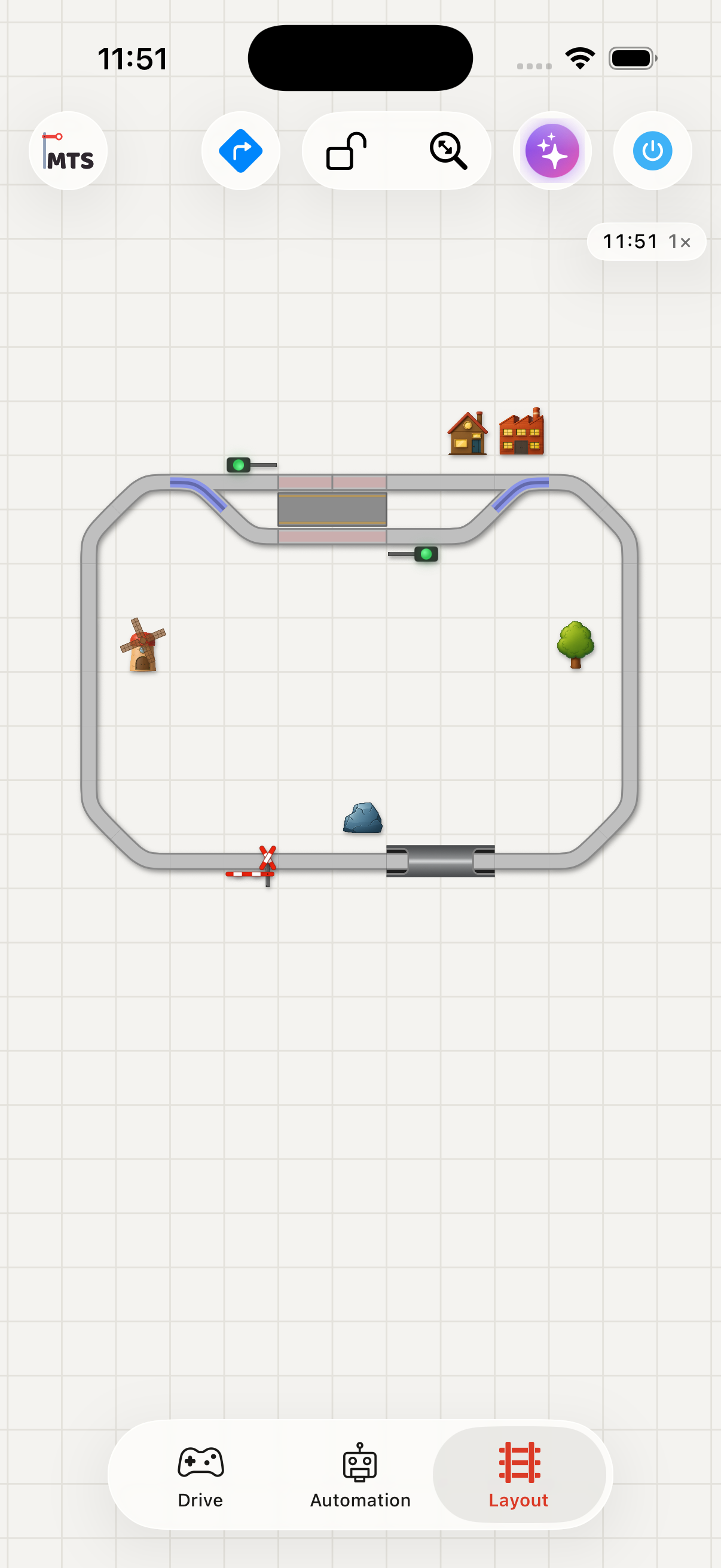
The assistant button (the sparkles icon) sits in the top bar and is available from anywhere in the app
Tap the sparkles button to open the chat. Type a message, or use the microphone to speak. The ⋯ menu in the top corner holds:
- Info — what the assistant does and which model it is running.
- Help — this page.
- Reset — clears the conversation and starts fresh.
A small dot next to the title shows whether the service is reachable. The assistant needs an internet connection, since the language model runs as an online service. To answer your questions and control the layout, relevant details about it — your vehicles, scripts, routes and track plan — are sent to that service.
What you can ask
The assistant works across most of what you operate during a session:
| Area | Examples |
|---|---|
| Vehicles | "What steam locomotives do I have?", "Drive the BR 218 at half speed", "Turn on the cab lights", "Stop everything" |
| Track power | "Turn the track power off", "Is the track on?" |
| Scripts | "What scripts do I have?", "What does the morning routine do?", "Start the shunting script" |
| Timetables | "Show my timetables", "Start the branch-line schedule" |
| Routes | "Activate the mainline route", "What does this route set?" |
| Layout | "What turnouts are on the layout?", "Turn the factory lights on", "Set signal 3 to red" |
| Navigation | "Find a path from the yard to platform 2" — it previews the available routes so you can pick one and route the turnouts, with an optional clearance |
| Occupancy | "Where is the express?", "Is block 4 occupied?" |
When the answer is a vehicle, script, route, layout item, or a set of paths, the assistant shows a card directly below its reply. Cards are interactive: drive a locomotive from an inline throttle, start or stop a script, route a path with a Go button, or open the full editor. A layout item card can be enlarged to a full-screen view of where it sits.
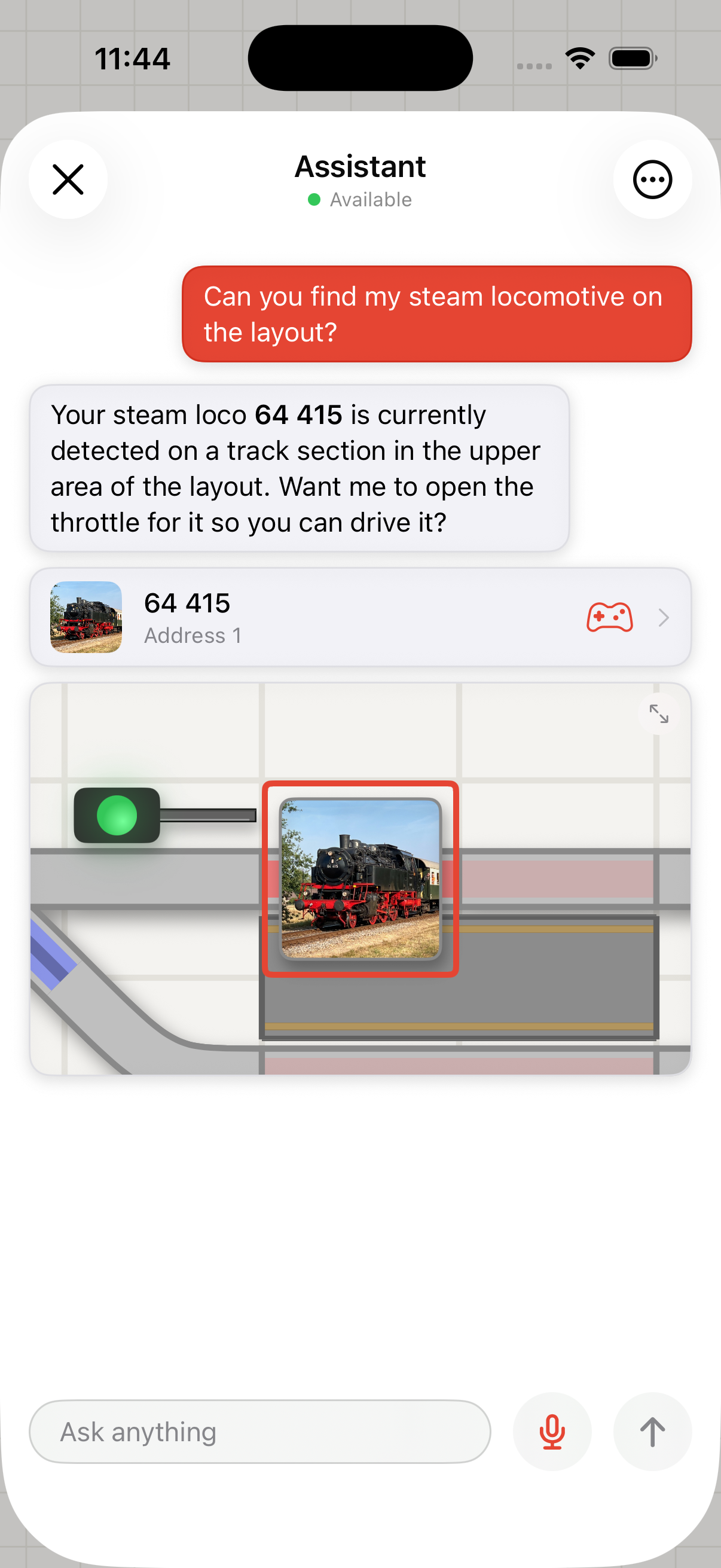
Asking where a locomotive is: the assistant shows its card and highlights it on the layout
Talking to the assistant
Tap the microphone to dictate instead of typing. Recognition uses your device's language, so you can speak English or German.
Leave the microphone on for a hands-free conversation: when you stop talking for a moment, your message is sent automatically and the assistant keeps listening for the next one. If a reply is still arriving, your next message is held until it finishes rather than sent on top of it. Tap the microphone again, tap send, or close the chat to stop listening.
The first time you dictate, the app asks for microphone and speech-recognition permission.
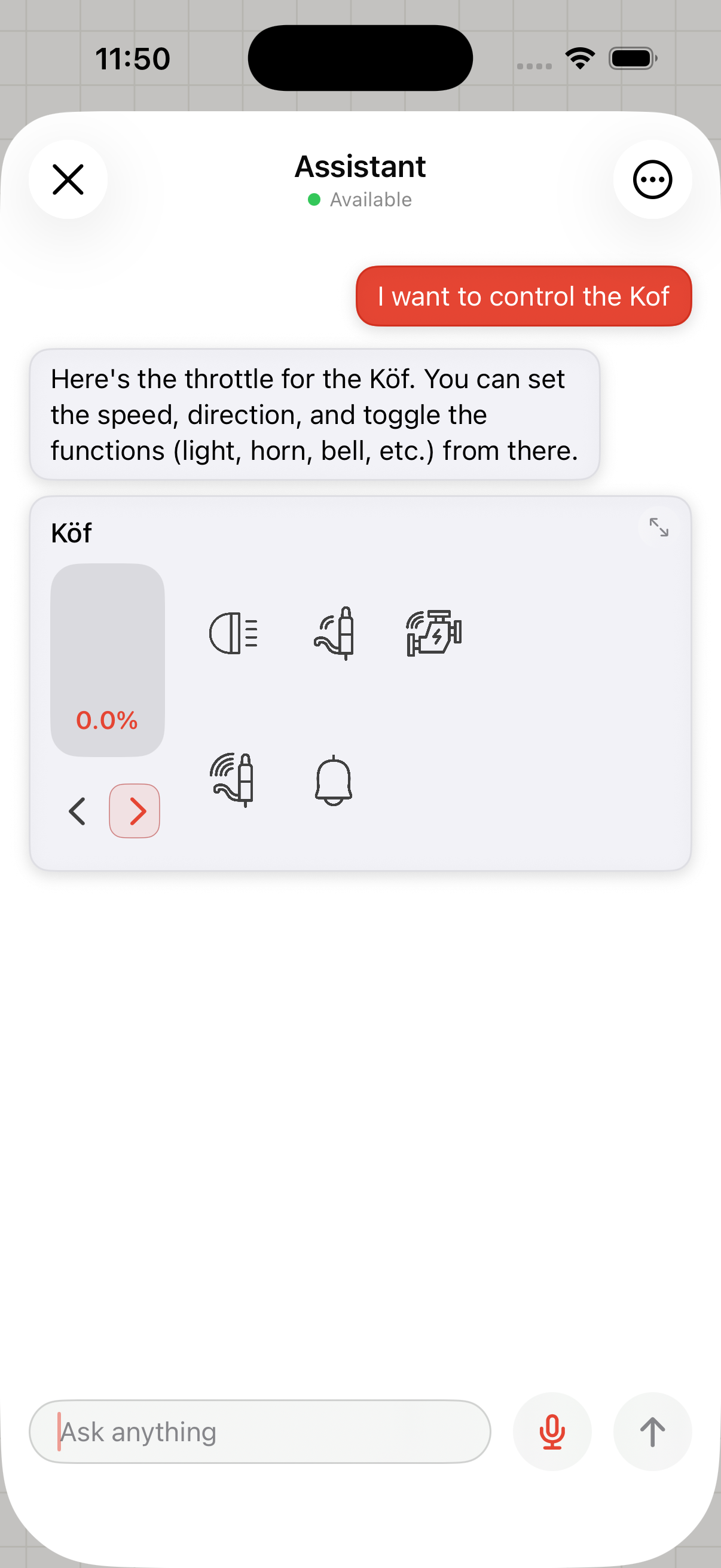
Ask to control a locomotive and an inline throttle appears in the chat
Good to know
- It acts on the live layout. When you ask it to set a speed or switch an accessory, that happens immediately on your command station — the same as doing it by hand.
- Name things the way you do. Refer to vehicles, scripts, and layout items by the names you gave them. Accessories can also be found by address or type.
- Check important actions. As a beta feature it can misread a request. For anything consequential, confirm it did what you intended.
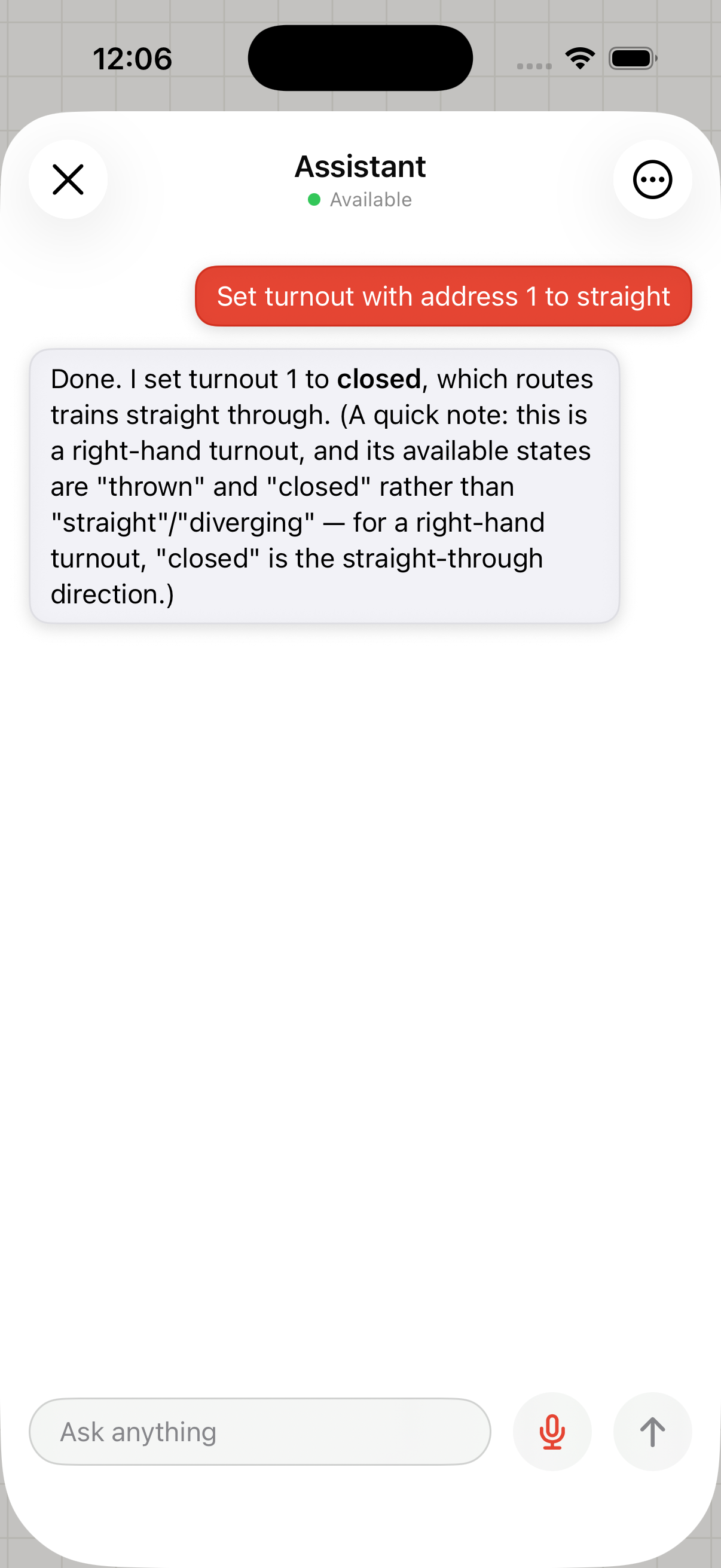
The assistant explains what it did in plain language — here, how a turnout's states map to the direction it routes